
Server
How to fetch the data in Next.Js (Server Side vs Client Side)
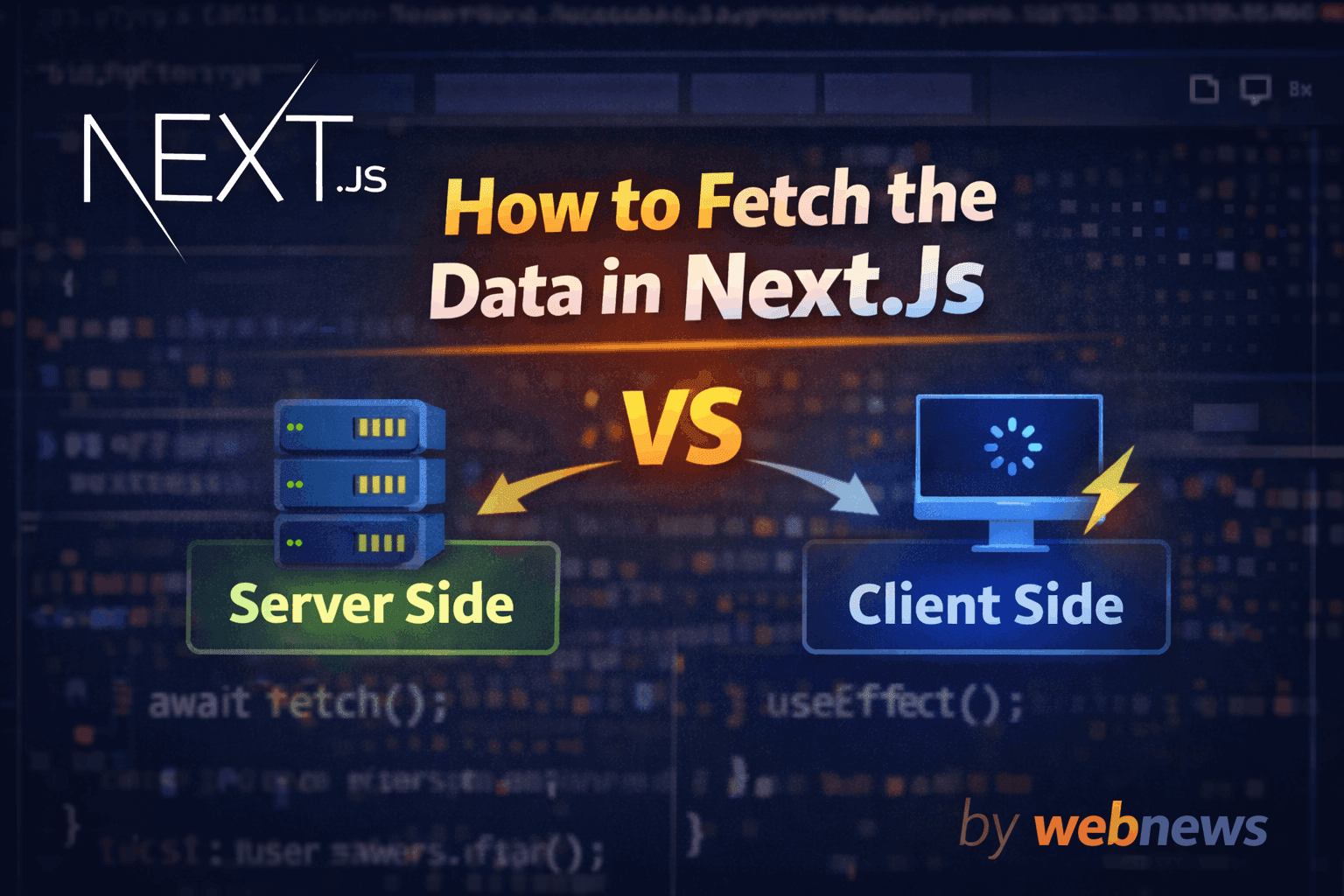
Table Of Content
Headings: 3 (H2: 3, H3: 0)
Hii Developer today i tech you How to fetch the data using next.js server side vs client side
Important is if you learn web dev so you need to learn data fetching . so learn the blog.
Step-1 (First Understant what is a server side or client side)#
- Server Side-
The page first fetch the data then load the browser - Client-
The page first load then fetch the data
Server Side is fast data fetching and secure no api lick
Server side Fetching#
Server-side fetching is the default and recommended approach in the App Router
codeexport default async function Page() { const res = await fetch('https://jsonplaceholder.typicode.com/posts', { cache: 'no-store' }) const posts = await res.json() return ( <div> <h1>Server Fetched Posts</h1> {posts.slice(0, 5).map(post => ( <p key={post.id}>{post.title}</p> ))} </div> ) }
Client Side Fetching#
client side used for user interaction or real time updates
code'use client' import { useEffect, useState } from 'react' export default function ClientFetch() { const [posts, setPosts] = useState([]) useEffect(() => { fetch('https://jsonplaceholder.typicode.com/posts') .then(res => res.json()) .then(data => setPosts(data)) }, []) return ( <div> <h1>Client Fetched Posts</h1> {posts.slice(0, 5).map(post => ( <p key={post.id}>{post.title}</p> ))} </div> ) }
if you learn anything so share the blog and support please